


How to install digital signature tool on FPT.eContract
- 03/03/2023
- [post-views]
User can easily install the digital signing tool on FPT.eContract to complete the signing of an electronic contract by following these steps:
1. Download the installer to the workstation from the website https://econtract.fpt.com.vn
2. Double click the file FPT.eSignatureIntaller.msi.
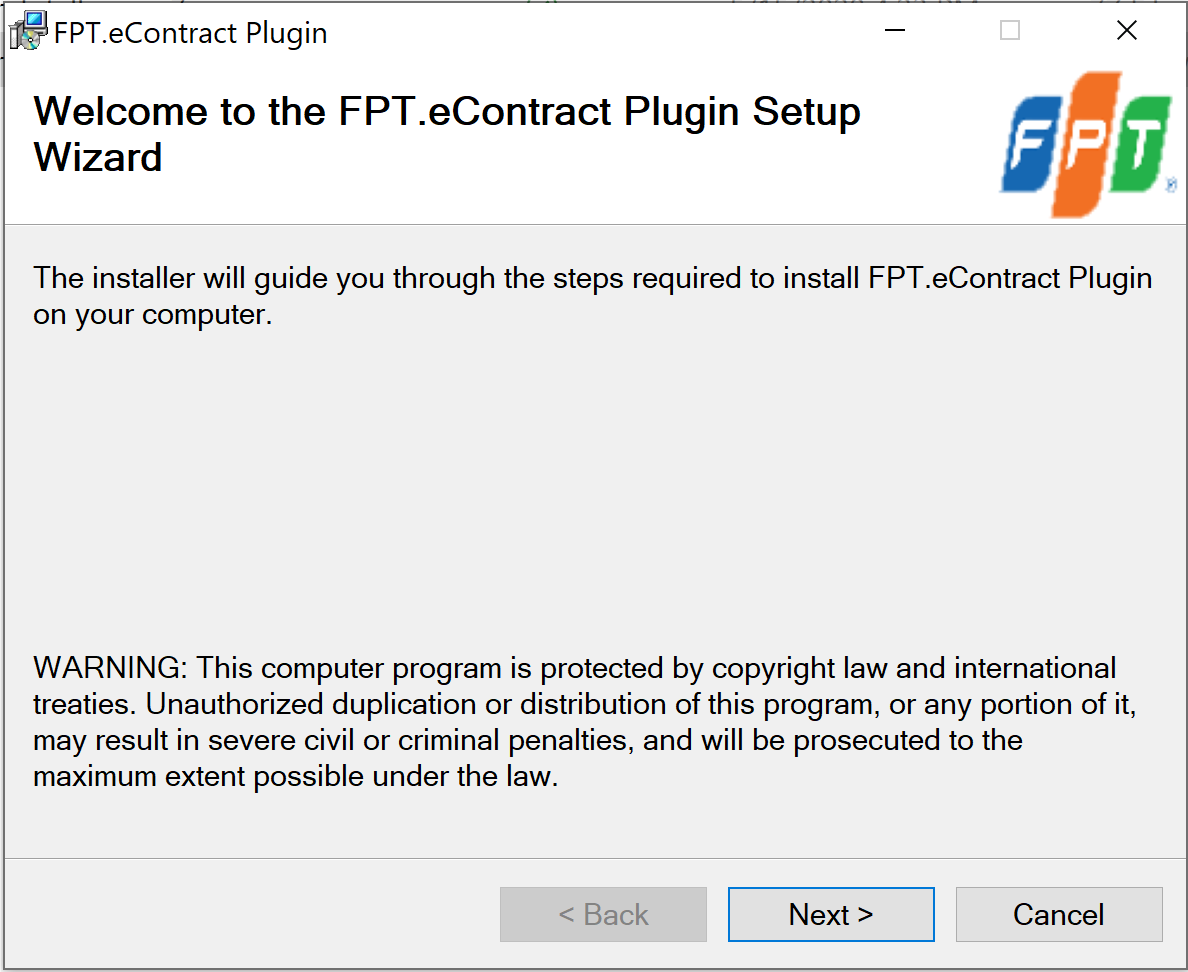
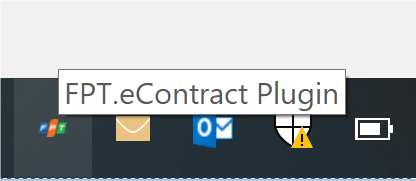
Users are advised to ensure that the FPT.eContract Plugin is enabled before start signing. In case the tool is not enabled, when the user chooses to digitally sign, the system will notify “cannot connect to FPT.eContract Plugin”.
In this case, the user needs to go to the folder “C:\Program Files (x86)\FPT\FPT.eContract Plugin\” and run the file FPT.eSignService.exe to run the tool.
For more detailed information and consultation on FPT.eContract, contact us via:
FPT Information System Company Limited – FPT Information System
- Address: 22nd floor, Keangnam Landmark 72 Tower, E6 Pham Hung, Hanoi
- Hotline: 0934.453.466 – 0934.583.499 VND
- Website: https://econtract.fpt.com.vn

Related news

FPT “contributes” to promote digital transformation in the fields of infrastructure and agriculture at Industry 4.0 Summit

Sign e-contract from email in 1 minute

How to sign e-contract on FPT.eContract